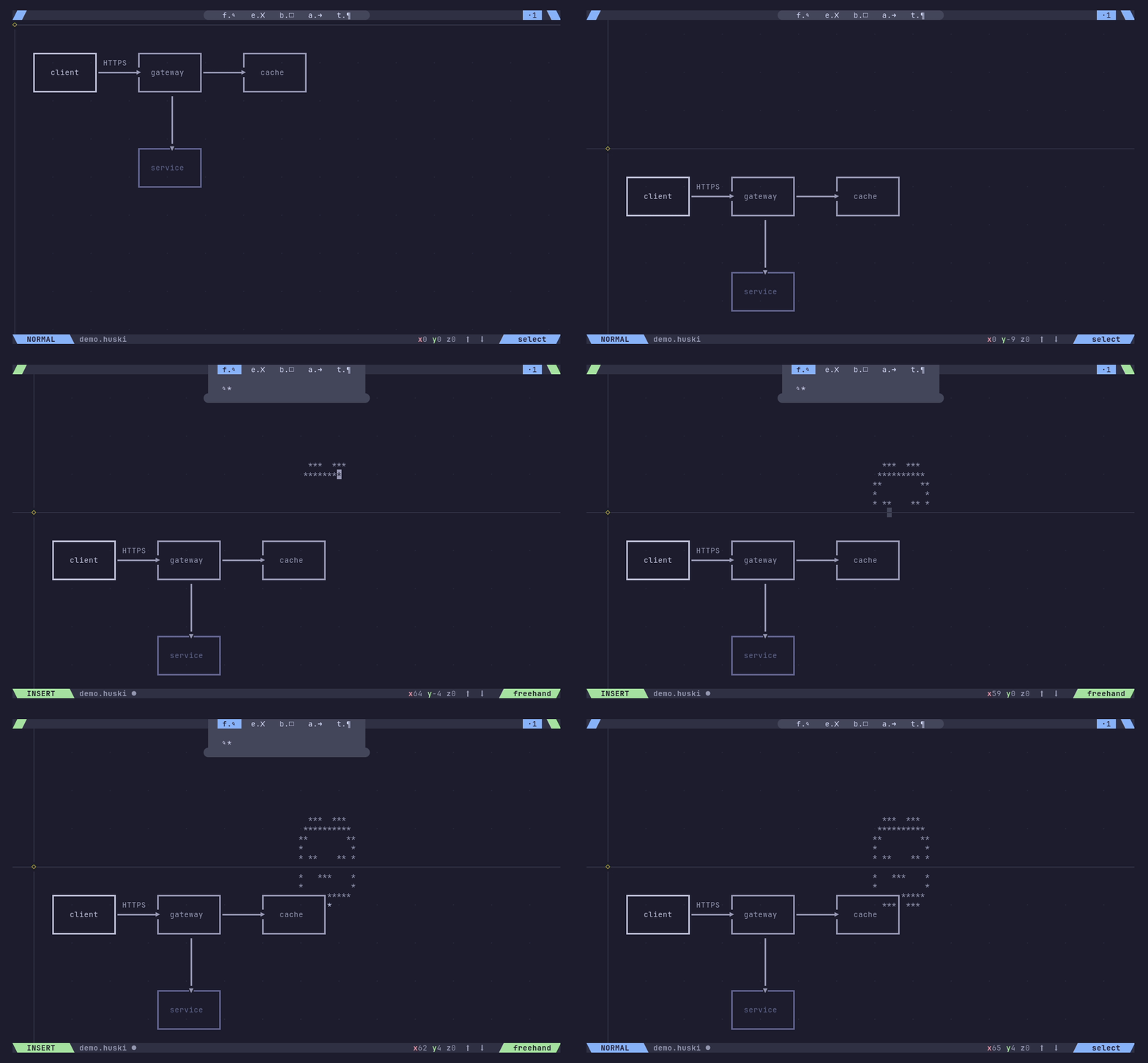
huski is a terminal diagram editor. You draw boxes, lines, and text as discrete objects — not painted cells. Move things around, layer them, connect them with routed lines. Save to YAML, diff in git, render to plain text for docs and READMEs.
Shapes are real objects, not a flat grid. Move, resize, copy, layer, and group them independently.
Normal / Insert / Command modes. hjkl navigation, yank/paste, undo/redo. Fully remappable in config.
.huski files are readable YAML. Version control them, diff them, generate them programmatically.
Heavy, light, double, rounded, ASCII. Junction characters merge correctly at intersections.
No page size. Draw as large as you need — viewport follows the cursor, content bounds on demand.
huski render file.huski prints plain ASCII — pipe it into docs, scripts, or CI output.
Coming soon.
All bindings are configurable. These are the defaults.
| Key | Action |
|---|---|
| b | Box tool |
| a | Arrow / line tool |
| f i | Freehand |
| t | Text |
| e | Eraser |
| Esc | Normal mode — select, move, resize |
| h j k l | Move cursor |
| Ctrl+E Ctrl+Y | Scroll one line down / up |
| Ctrl+D Ctrl+U | Scroll half page |
| y p | Yank / paste selection |
| D | Duplicate |
| d | Delete selection |
| u Ctrl+R | Undo / redo |
| < > | Layer down / up |
| [ ] | Cycle box / line style |
| : | Command mode — :w, :q, :wq |
.huski files are plain YAML. Human-readable, diff-friendly,
generatable from scripts or AI tools.